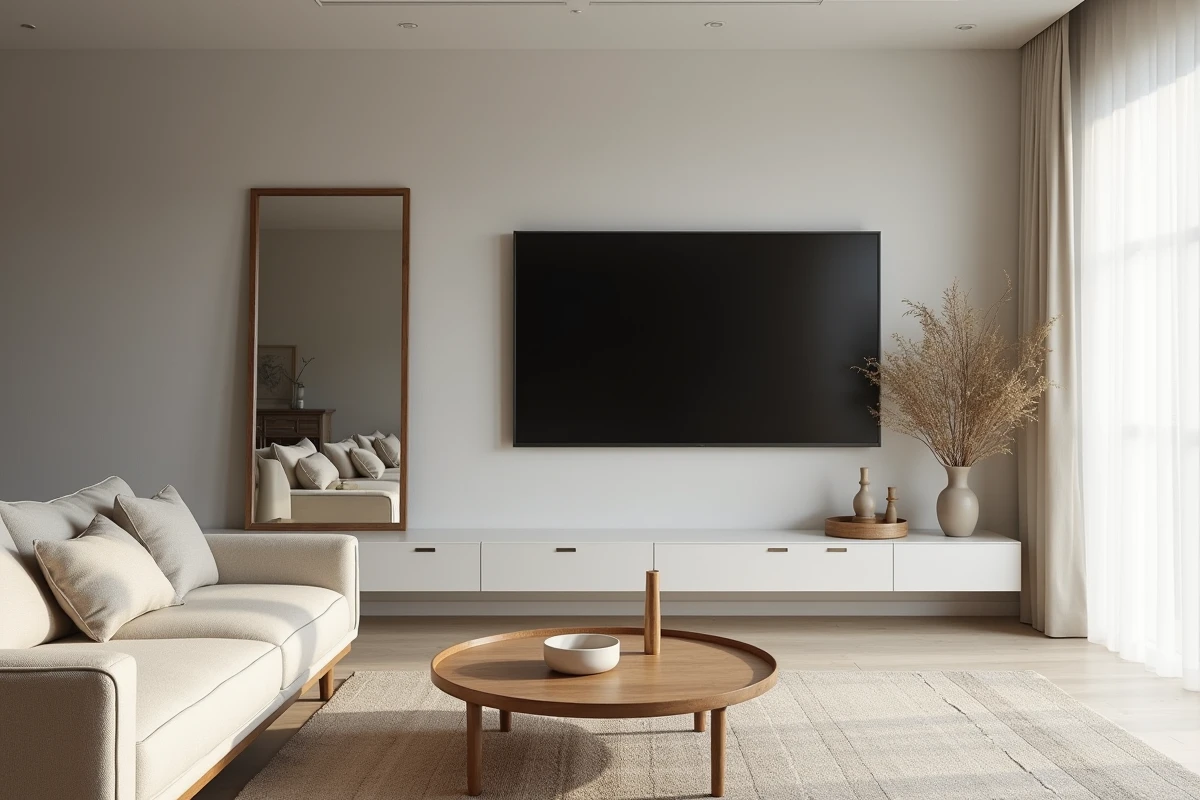
A large mirror placed on the wall opposite the television is often the first idea that comes to mind when trying to visually enlarge a narrow living room. The decorative result is immediate: the room appears deeper, and light circulates better. The problem arises in the evening when the screen is turned on. The mirror reflects the image of the TV, creates distracting reflections, and the viewing comfort significantly deteriorates.
Distracting reflections and visual fatigue in front of the screen
The most common situation is one where there is a sofa on one side and the television on the other. A wall mirror is hung behind the sofa to gain depth. In the evening, as soon as the screen lights up, the mirror reflects a ghost image in the viewer’s peripheral vision, or directly in front of them if they turn around.
This double display (the actual screen and its reflection) constantly demands the eye’s accommodation. According to the work of Sheppard and Wolffsohn published in Ophthalmic and Physiological Optics, light reflections increase visual discomfort and perceived eye fatigue, even when the overall brightness of the room remains low. In other words, dimming the lights is not enough to compensate for the problem if a mirror reflects the screen.
This configuration of mirror facing the television has been detailed on L’Atelier du Bricolage, with variations depending on the size of the room and the installation angle.
Dark scenes suffer the most. Rtings’ tests on recent OLED and LCD televisions confirm that frontal reflections significantly degrade the perceived contrast in HDR content. If you watch movies or series with many nighttime sequences, a mirror facing the screen measurably reduces image quality.

TV light sensor: a rarely anticipated conflict
Recent televisions come equipped with ambient light sensors that automatically adjust the screen brightness. A mirror placed opposite reflects the light from the screen back to the sensor, creating a loop: the screen brightens, the mirror reflects the light, the sensor detects more brightness, and adjusts the setting.
Samsung, LG, and Sony now recommend in their installation guides to avoid highly reflective surfaces in the direct line of the screen. A mirror disrupts the automatic brightness management algorithms and reduces the effectiveness of the anti-reflective treatments integrated into the panel.
In practice, one notices erratic brightness variations during viewing, especially during transitions between bright and dark scenes. Disabling the automatic sensor is an option, but then you lose the comfort of adapting to natural light during the day.
Decorative mirror in a living room: configurations that work
Completely giving up the mirror would be a shame when the room lacks depth or light. The question is not to banish the mirror from the living room, but to choose a location that avoids the direct line of the screen.
Here are placements that yield good results without creating annoying reflections:
- On a wall perpendicular to the screen: the mirror captures light from the window without reflecting the television image back to the viewer or the light sensor.
- Behind the television, slightly elevated: it visually enlarges the room without being in the direct line of sight of the seated viewer.
- In a low position (mirror placed on the floor, leaning against the wall) on a side wall: the angle of incidence is too closed to capture the screen, and the decorative effect remains strong.
The guiding idea remains the same: mentally draw a straight line between the screen and the mirror. If this line passes through the area where one sits, reflections will be bothersome. If it passes above, below, or to the side, the problem disappears.
Glass quality and mirror finish: an underestimated criterion
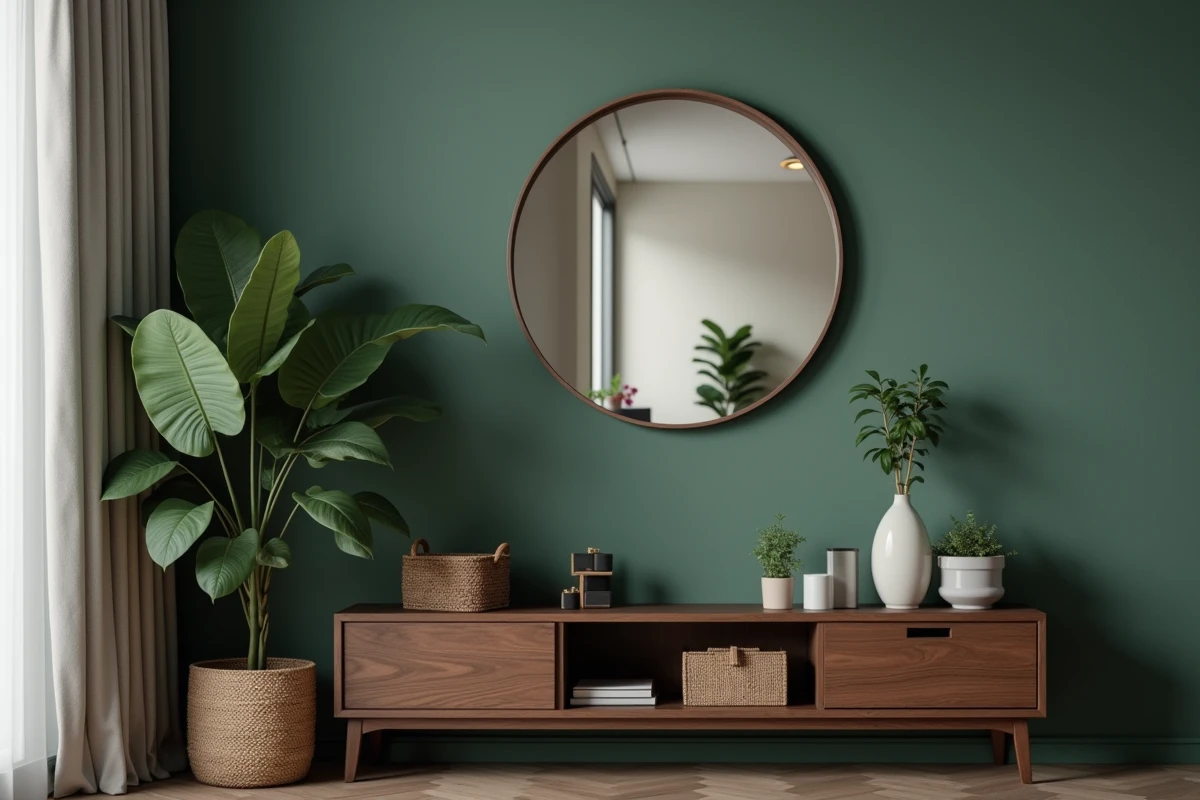
Not all mirrors reflect in the same way. An old mirror with slightly wavy glass diffuses reflections instead of concentrating them. In contrast, a modern high-definition mirror reflects a sharp and bright image, which exacerbates the problem in front of a screen.
A tinted or smoked glass mirror significantly reduces the intensity of reflections. There are bronze or gray models that maintain the room’s enlarging effect while absorbing some of the light. Feedback varies on this point depending on the thickness and tint of the glass, but the difference with a classic silvered mirror remains noticeable.
On the other hand, frameless mirrors with polished edges, very popular in contemporary decor, maximize the reflective surface and amplify reflections. If the mirror must remain in an area close to the screen’s axis, a wide frame and slightly tinted glass mitigate the problem.
Room by room: living room, bedroom, and office have different constraints
In a living room, the distance between the television and the opposite wall often exceeds three meters. The mirror opposite can work if the room is wide enough to offset the mirror from the central axis. The narrower the room, the greater the risk of direct reflections.
In a bedroom, the configuration poses an additional problem. The screen is often mounted facing the bed, and the mirror is at a reduced distance. Reflections are more intense and harder to avoid in a compact space. The simplest solution remains to place the mirror on the headboard wall or on the door of a side closet.
In an office where one works facing a monitor, a mirror opposite creates a double problem: reflections on the screen and constant visual distraction. Here, the mirror has no functional benefit and several concrete disadvantages.
The placement of a mirror in a room equipped with a screen boils down to a simple geometry rule: if the mirror and the screen can see each other, the viewer will suffer from reflections. Offsetting the mirror by a few dozen centimeters, changing its tilt, or opting for tinted glass is usually enough to retain the decorative benefit without sacrificing viewing comfort.